

Christine Hernandez
Early childhood educator, writer, and mother. Your friendly neighborhood guide to all things parenting.
Online learning has transformed education, offering students greater flexibility and access to resources. However, for students with disabilities, navigating the virtual classroom comes with unique opportunities and challenges. This article explores how online learning platforms can support students with disabilities, highlighting tools, strategies, and best practices to foster an inclusive and empowering educational experience.
- Know What Your Child Needs
- Choose a Learning Model
- Create a Comfortable Learning Environment
- Communicate With Teachers
- Get Help When You Need It
- Get Creative
Know What Your Child Needs
Settling into a routine with distance learning may take some trial and error. Start slow and be patient, taking time to notice what works and what doesn’t work. At the end of the day, you know your child best and you will find a rhythm that works for everyone.
Some things to consider:
- Can you replicate some of the accommodations your child had in school to help keep things consistent?
- Does your child need frequent breaks for movement?
- Does your child work best with a predictable structure or do they need more flexibility?
- What motivates your child? Can you incorporate some of their preferred materials or activities into the day to keep them engaged?
Choose a Learning Model
When exploring online learning for students with disabilities, it’s important to consider how different approaches can meet your child’s unique needs. Schools may offer various models that blend online and in-person learning or focus solely on virtual instruction. By evaluating factors like accessibility tools, support resources, and your child’s learning style, you can select the best option for their success.
Hybrid Learning
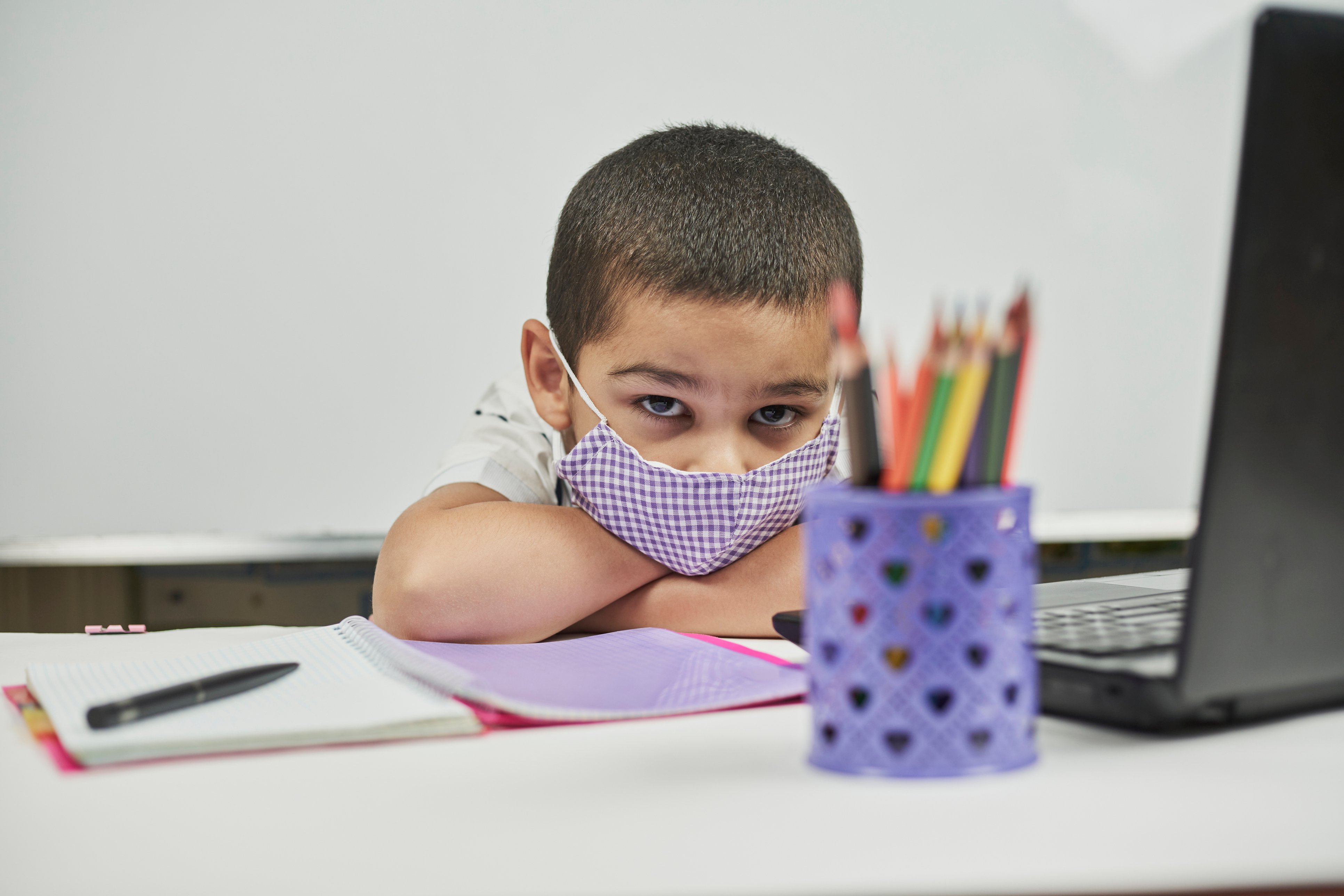
A hybrid learning model combines online and in-person education. Children are often divided into smaller groups that alternate between attending school on-site and participating in virtual classes from home. This approach can provide a more manageable and focused learning environment while still offering the benefits of in-person interaction and instruction. Hybrid learning may work particularly well for families who value a balance between flexibility and routine.
Things to consider with hybrid learning:
- Will transitioning between in-person and virtual learning work for your child, or do they need a consistent routine?
- How will your child handle a sudden shift to full-time virtual learning if circumstances require it?
- Can you create a supportive home learning environment for the days your child participates in virtual instruction?
Virtual Learning
Fully virtual learning focuses on online instruction, offering flexibility and the opportunity to customize the experience to suit your child’s needs. Many schools provide technology and resources to help children with disabilities succeed in this environment. Adaptive tools such as screen readers, closed captions, and specialized software can support accessibility and engagement.
Things to consider with virtual learning:
- Can you set up a distraction-free space for your child to focus on their online classes?
- Are there accommodations or assistive technologies your child needs to succeed in a virtual setting?
- Is there an adult or caregiver available to assist your child during the school day if needed?
- Does your child thrive on in-person interactions that may be more challenging to replicate online?
Create a Comfortable Learning Environment
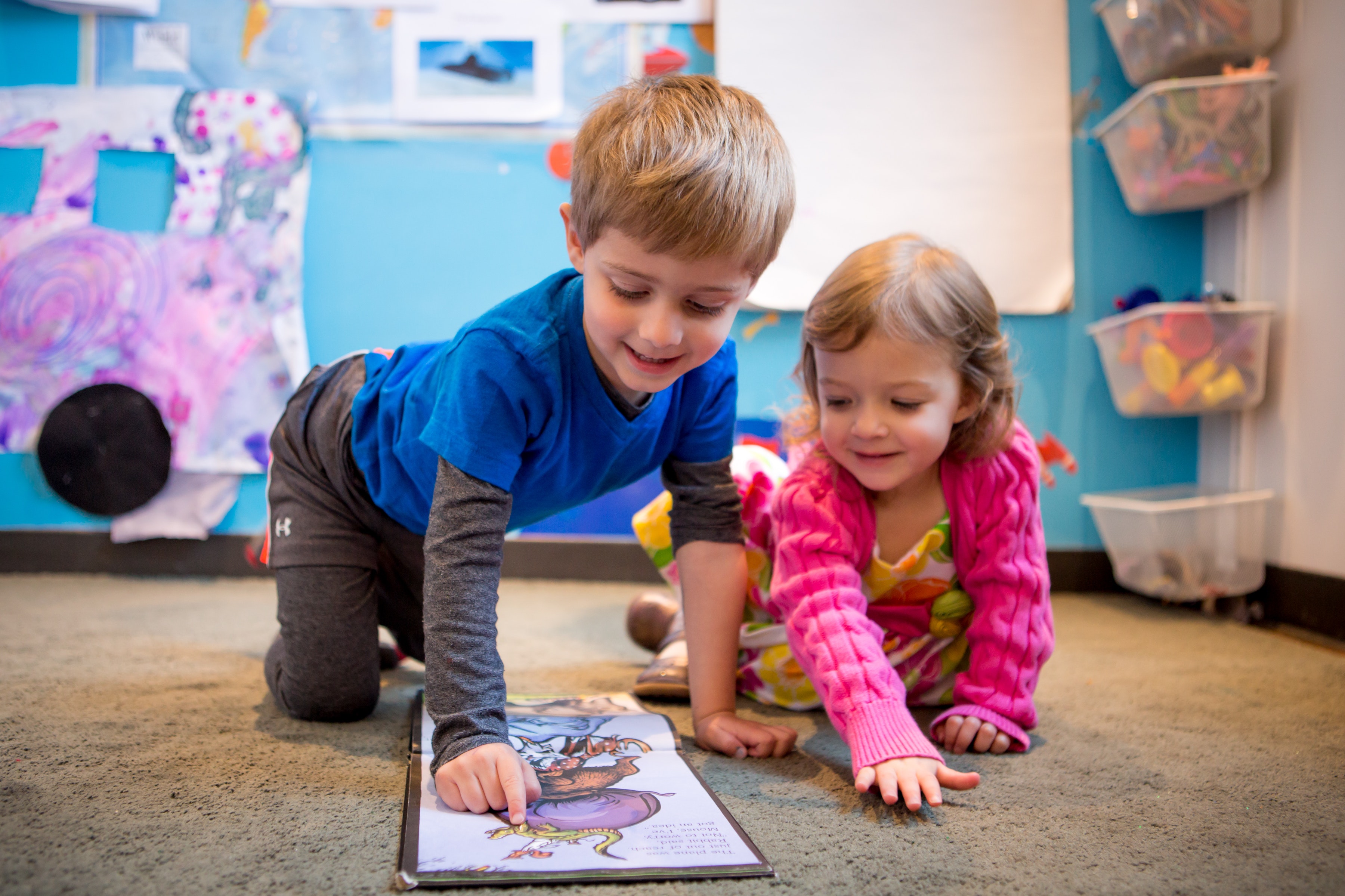
When creating a space for your child to participate in online learning (whether it’s full time or part time) be sure to consider the things you already know about what your child needs to be successful. Speak to their teacher about what kinds of accommodations your child may have in the classroom, or what environment may best suit them. Try to carve out a dedicated space for them, that is somewhat free from distractions. If your child has trouble sitting for long periods of time, have opportunities for movement breaks close by (a small trampoline or other equipment). Some children need to keep their hands or feet busy in order to stay engaged. There are lots of great options for “fidget” toys, you can even make them from things you can find around the house. Finding the best set up for your child may take some trial and error so be ready to add or take things away as you go along.
Use Technology to Your Advantage
Aside from the technology needed to attend school virtually, there are other programs and resources families can access that can be helpful for creating an environment that is conducive to learning.
- Boardmaker: Boardmaker is a great resource for creating charts and graphics for your child. If your child requires a visual schedule or some other visual prompts, you can find an icon for just about every word in the English language.
- Pinterest: Don’t feel like you need to reinvent the wheel, you can find inspiration and hacks for just about every obstacle you’ll face in your virtual learning journey. A quick Pinterest search for “virtual learning home setup” and you will find lots of ideas.
- Your child may also benefit from other technology such as:
- Headphones to help them filter out outside noise and focus on the teacher’s voce
- Apps like Tiimo where you can create visual timers and schedules for your child
Ensure Accommodations
If your child has an IEP (Individualized Education Plan) or receives services like speech or occupational therapy through your school district, they will continue whether your child attends in-person school or not. As long as your child’s school is providing educational services for the general student population, then your child is entitled to special education services. You may need to work with your school’s Special Education Administrator to determine how your child’s needs can be met in the best way possible. You may opt for virtual services, in-person services or a combination of both. If your child has extended time for testing or other accommodations at school, those same accommodations should extend to their virtual learning at home. Don’t be afraid to stay on top of the Special Education Department to ensure your child’s IEP is being implemented in a way that makes the most sense for them.
Communicate With Teachers
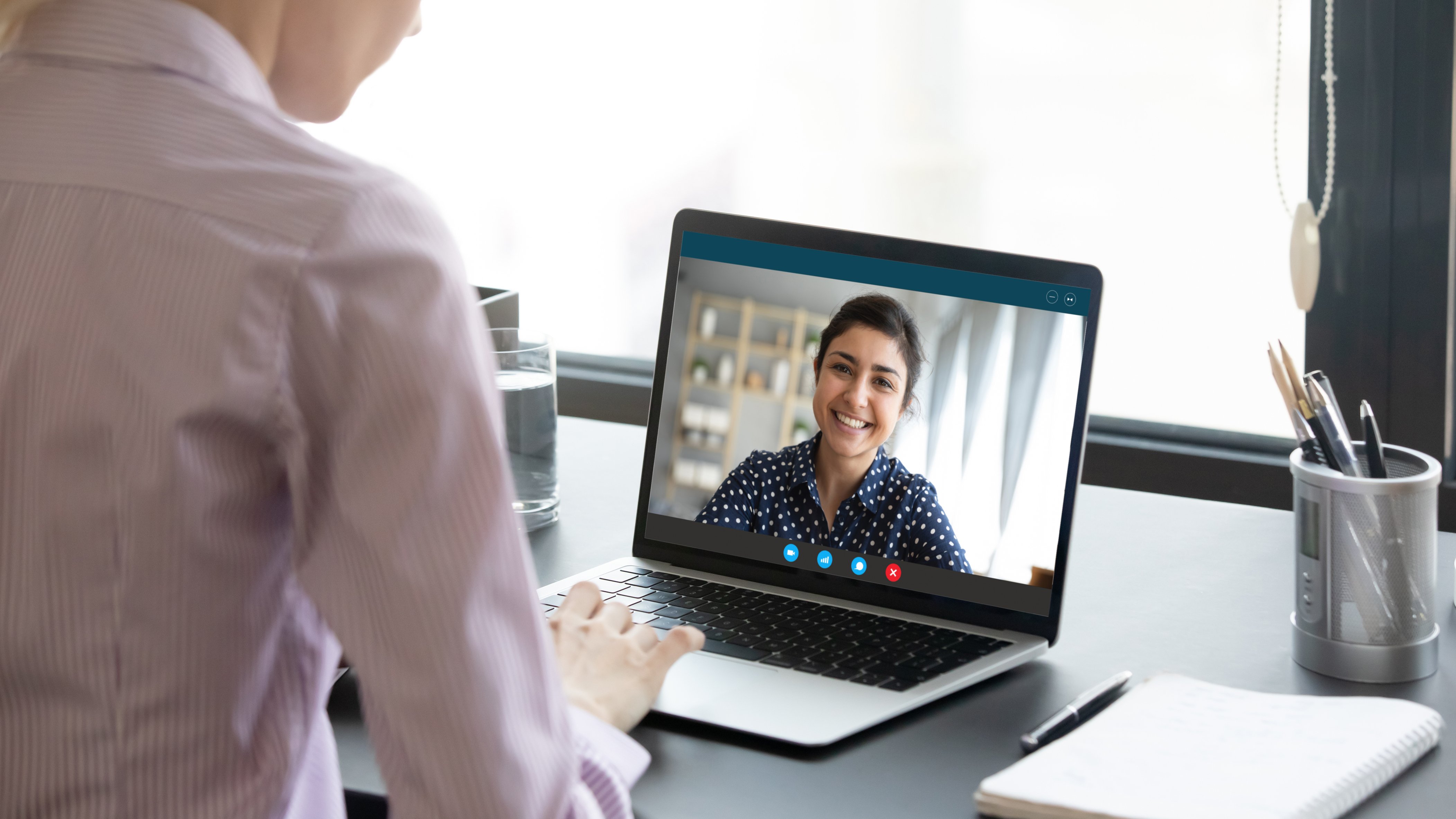
Be sure to find out how teachers will be communicating progress, and how and when they are accessible to parents. It is important to remain in communication with any teachers or therapists involved in your child’s education. Not only will it help to know what they are working on, but you should also communicate what has been working or hasn’t been working for your child. Let your child’s education team know if you have ideas for how to make virtual learning more accessible for your child, or if you need tips on setting up your home to ensure your child can be as productive as possible. Even though you are not attending school in-person, your child’s education team is still an invaluable resource, lean on them often.
Get Help When You Need It
If balancing work and virtual learning feels overwhelming, it’s okay to seek additional support. You might consider hiring a babysitter or tutor to assist your child with their schoolwork. Some childcare providers specialize in supporting children who are attending school remotely, offering a helpful resource for families. Be sure to choose someone with experience working with children with disabilities and an understanding of any accommodations or educational programs your child is using.
For younger children, such as those in preschool or attending part-time programs, local daycares or preschools can help bridge gaps in childcare and provide additional learning opportunities. These services can provide structure and support, ensuring your child has a safe and engaging environment while you manage your other responsibilities.
Get Creative
One of the advantages of virtual learning is that it allows your child to learn in the comfort of their own environment. Take advantage of this by incorporating their favorite activities or items into the school day to make learning more enjoyable. If your child has friends you feel comfortable interacting with, consider forming a small pod of virtual learners and rotating between homes to share responsibilities.
Remember, learning at home won’t always go perfectly, and that’s okay. It’s a new experience for both you and your child, and there will be challenges along the way. Use this time as an opportunity to better understand how your child learns and how you can support them in the future. With patience and creativity, you’ll navigate this journey together and come out stronger on the other side.


